Table Explorer
The Table Explorer lets you browse every table in your database.
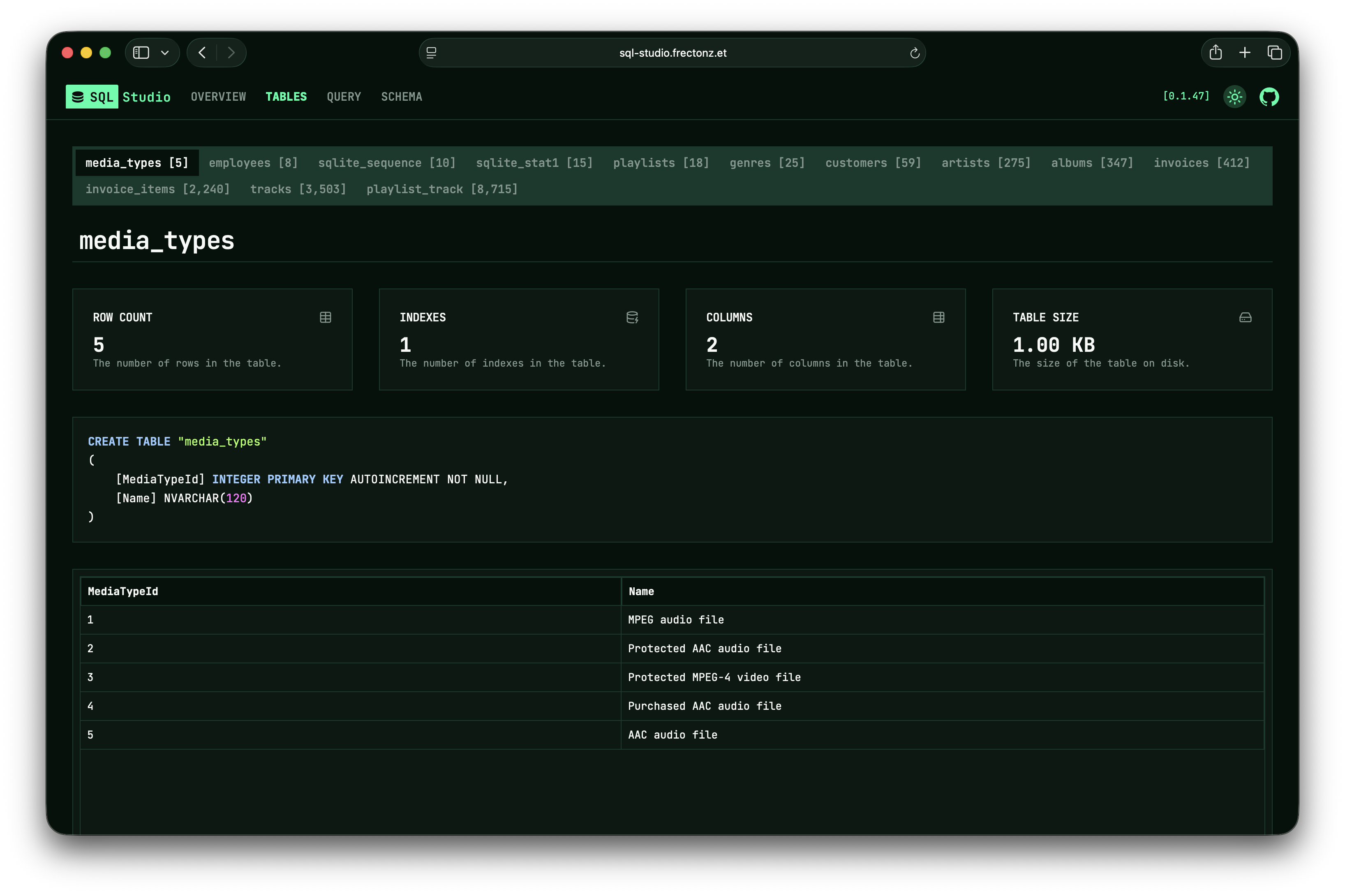
Table List
The sidebar shows all tables with their row counts. Click any table to view its details.
Table Metadata
When you select a table, you'll see metadata cards showing:
- Row count — total number of rows
- Column count — number of columns
- Index count — number of indexes on this table
- Table size — size on disk
Creation SQL
The SQL CREATE TABLE statement that defines the table's schema is displayed, showing column names, types, constraints, and other details.
Data Grid
Below the metadata, a data grid shows the table's rows. Features include:
- Infinite scroll — rows are loaded on demand as you scroll down (50 rows per page)
- All columns — every column in the table is displayed
- Raw values — data is shown as stored, without formatting
Browse table schemas, metadata, and data with infinite scroll.