Overview Dashboard
The Overview page is the landing page when you open SQL Studio. It gives you a bird's-eye view of your database.
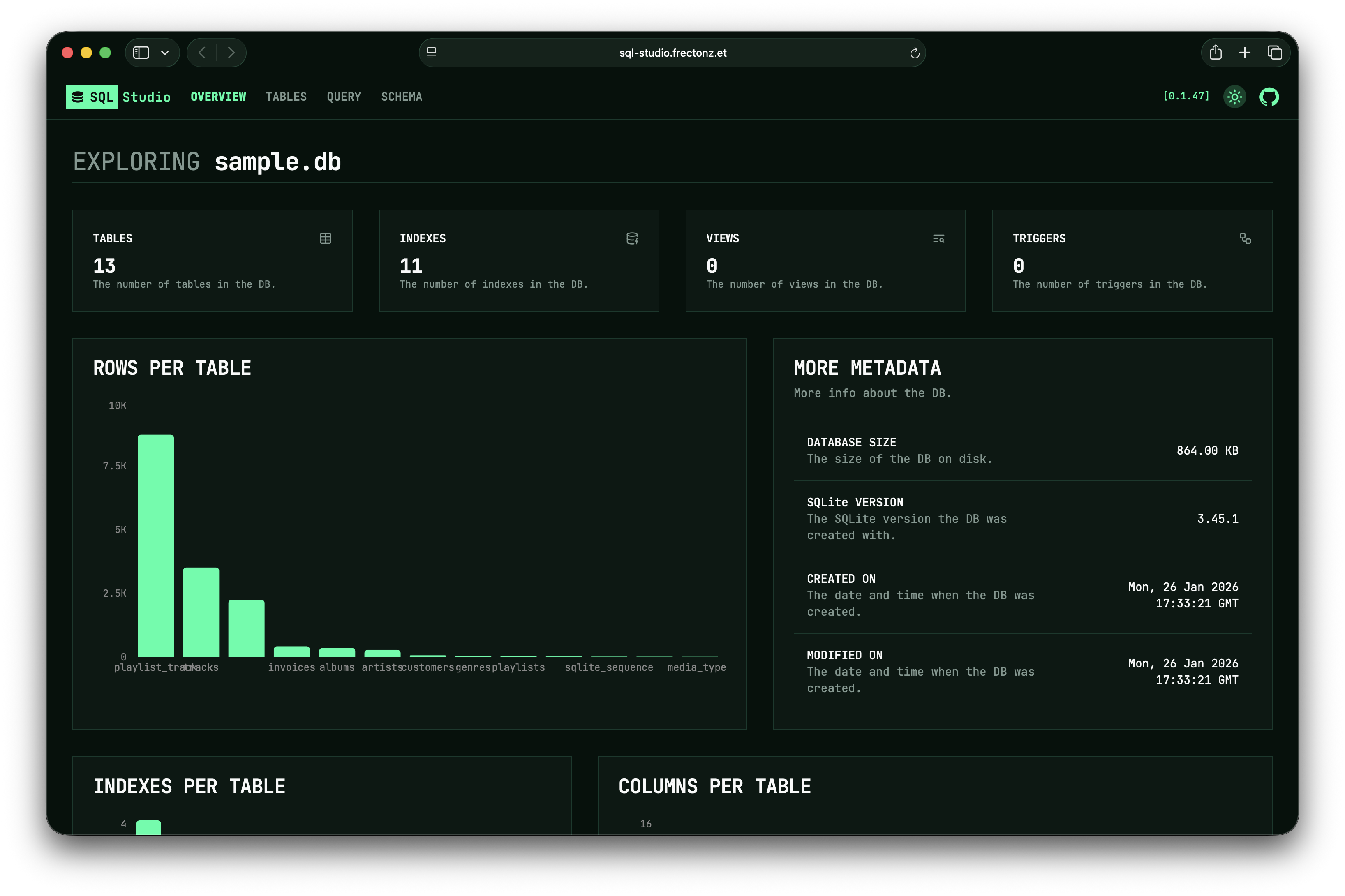
Database Info
At the top you'll find metadata cards showing:
- File name — the database file path or connection URL
- Database version — the SQLite version (for SQLite-based databases), or the server version
- Database size — total size on disk
- Created / Modified — timestamps (when available)
Statistics
A row of summary cards shows:
- Tables — total number of tables
- Indexes — total number of indexes
- Triggers — total number of triggers
- Views — total number of views
Bar Charts
Three interactive bar charts visualize per-table statistics:
- Row Counts — number of rows in each table
- Column Counts — number of columns in each table
- Index Counts — number of indexes on each table
These charts let you quickly identify the largest or most complex tables in your database.
Database metadata and statistics at a glance.