SELECT *
SELECT *
[01] COMPATIBILITY
10 DATABASES.
ONE TOOL.
From local SQLite files to remote PostgreSQL clusters. Same interface, same command.
JOIN
[02] FEATURES
EVERYTHING YOU NEED
TO EXPLORE.
Overview dashboards, table browsers, a full SQL editor, and interactive ERD diagrams.
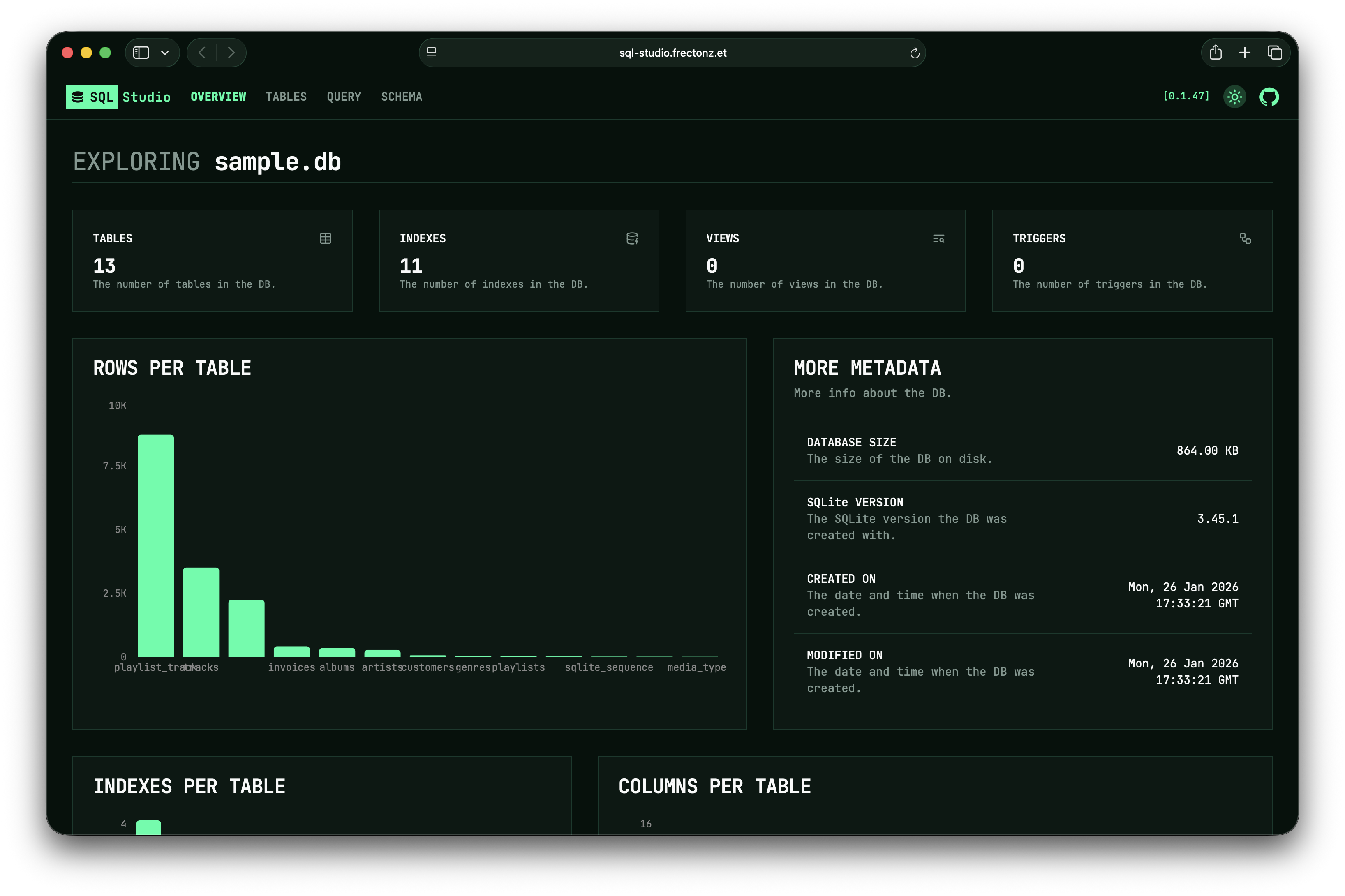
OVERVIEW
Database metadata, row counts, index statistics, and bar charts at a glance
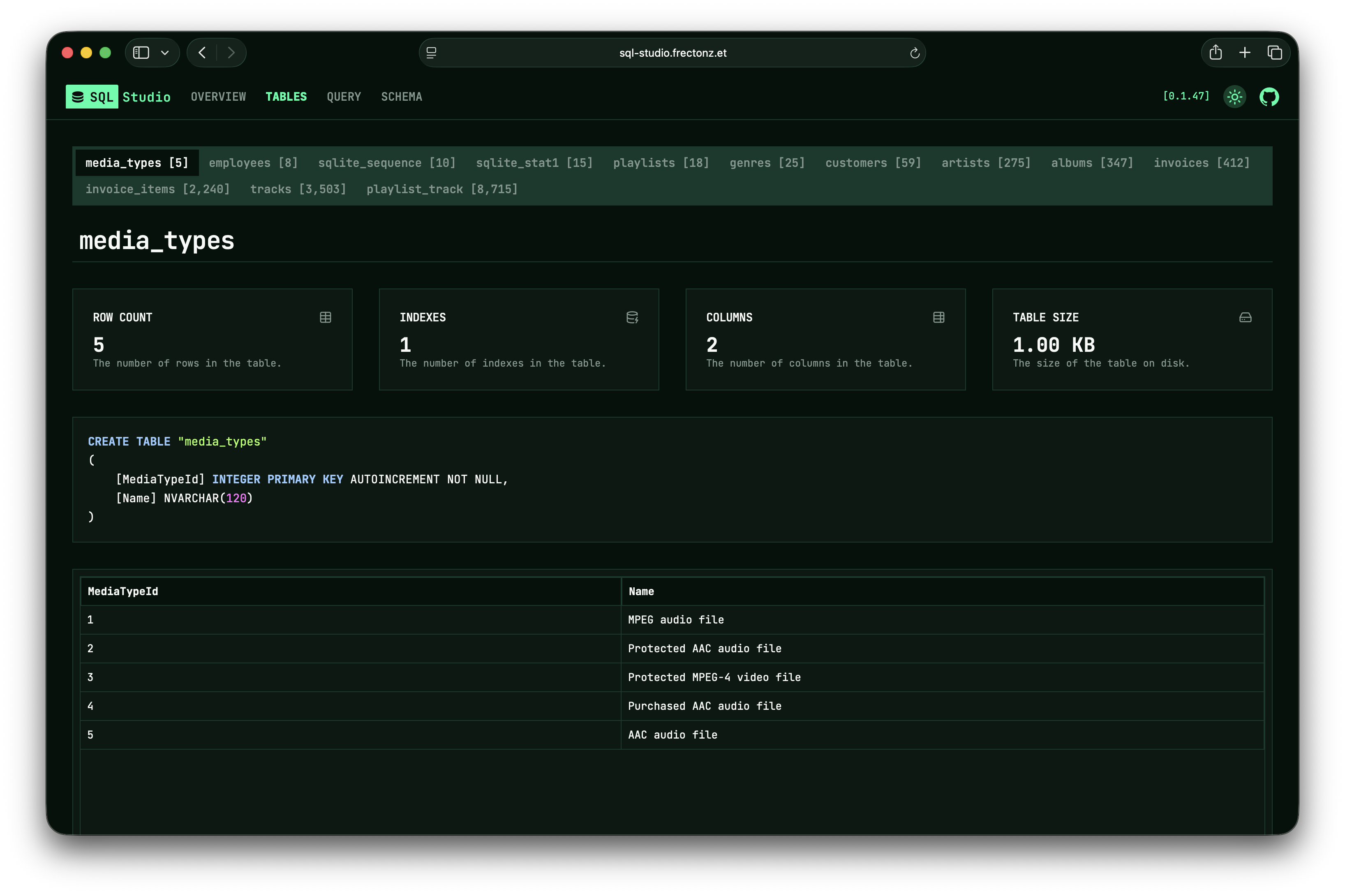
TABLES
Browse tables with metadata cards, creation SQL, and infinite-scroll data grids
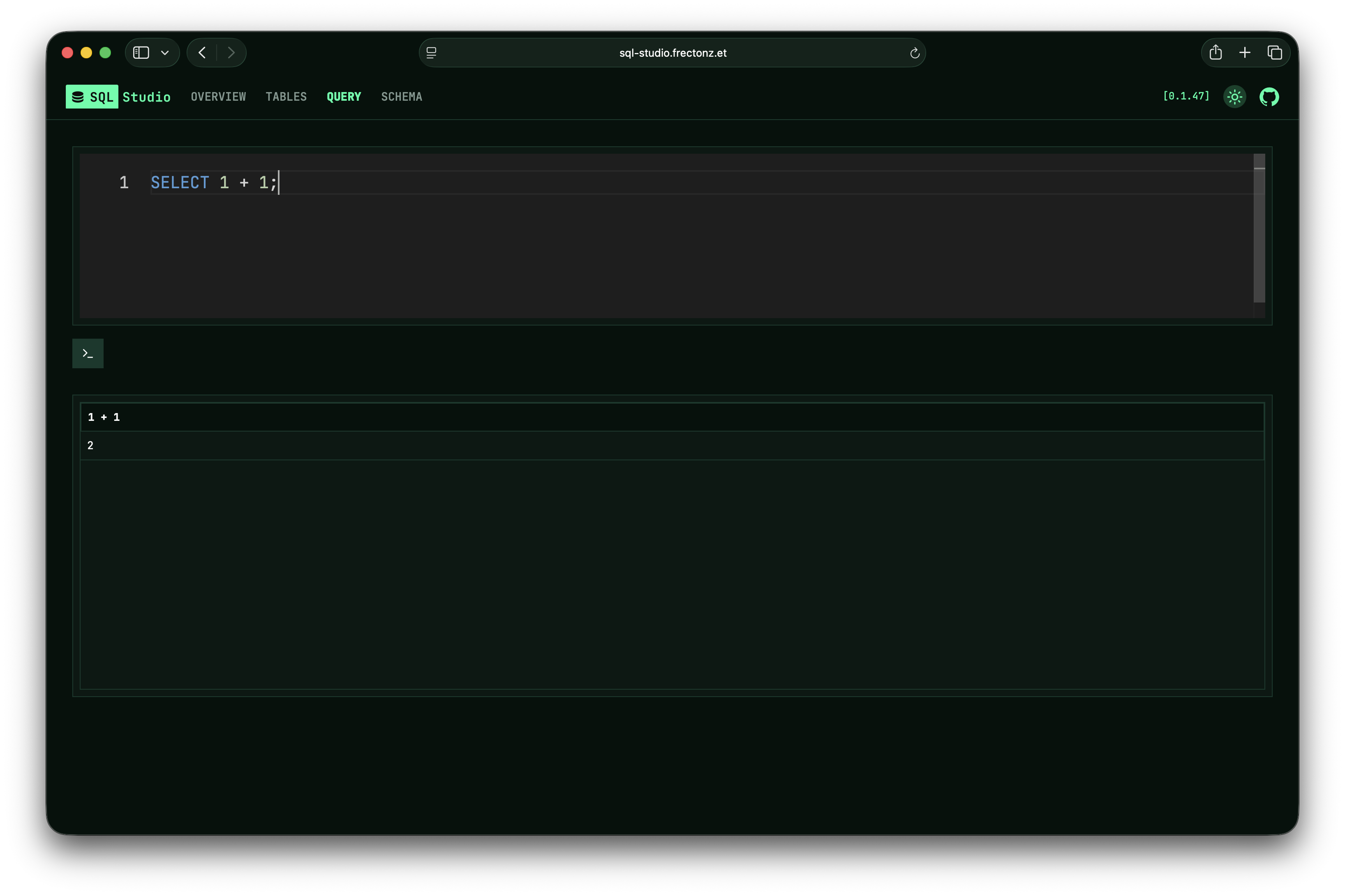
QUERY
Monaco-powered SQL editor with IntelliSense, auto-execute, and configurable timeouts
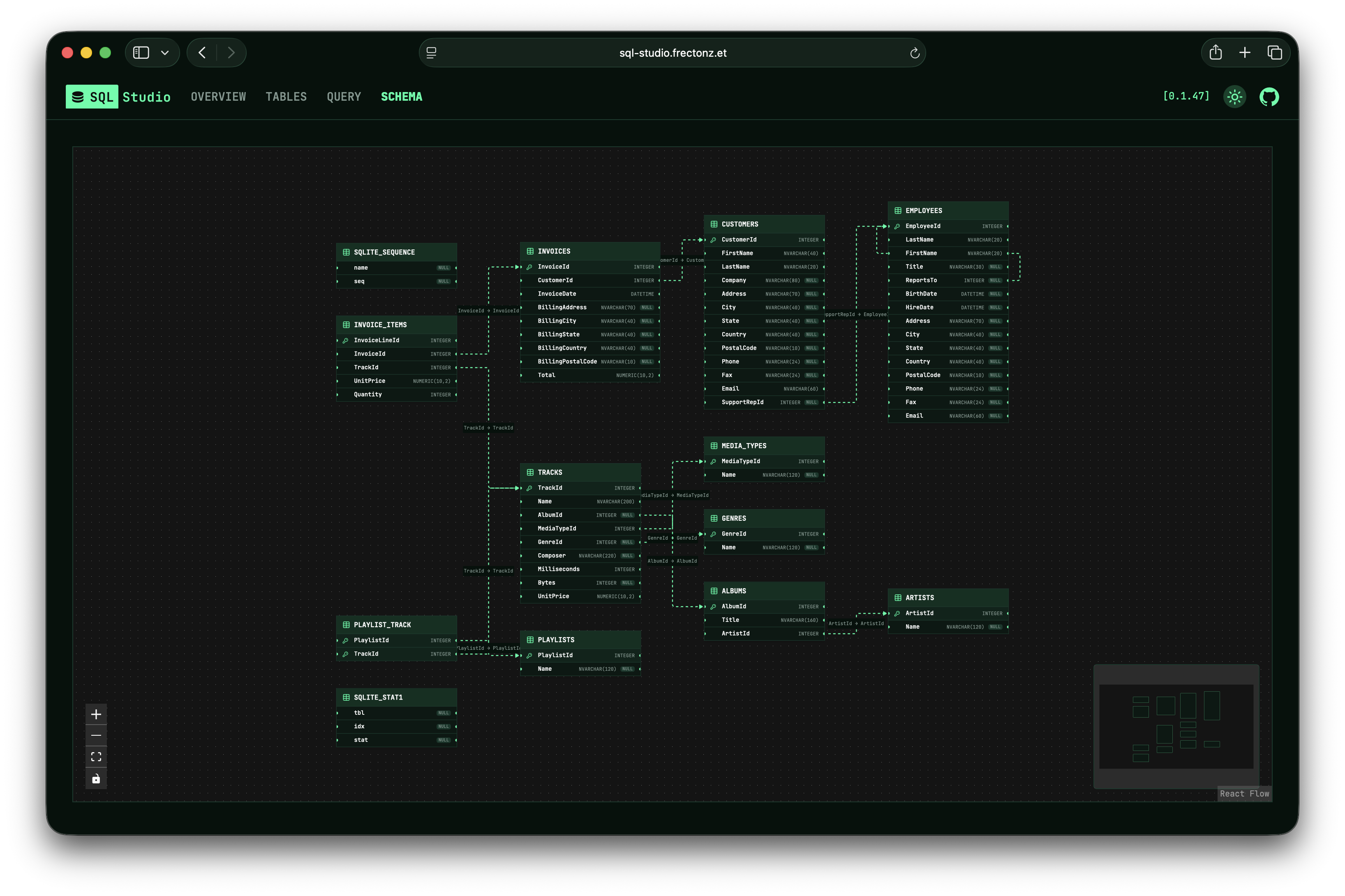
ERD
Interactive entity-relationship diagrams with foreign key visualization
[03] INSTALL
GET STARTED
IN SECONDS.
No configuration files. No dependencies to manage.
SHELL
$ curl --proto '=https' --tlsv1.2 -LsSf https://github.com/frectonz/sql-studio/releases/download/0.1.53/sql-studio-installer.sh | shPOWERSHELL
$ powershell -ExecutionPolicy Bypass -c "irm https://github.com/frectonz/sql-studio/releases/download/0.1.53/sql-studio-installer.ps1 | iex"NIX
$ nix shell nixpkgs#sql-studioDOCKER
$ docker run -p 3030:3030 frectonz/sql-studioOr try the built-in preview: sql-studio sqlite preview