Introduction
SQL Studio is a single binary, single command web-based SQL database explorer. Point it at any supported database and instantly get a rich UI for browsing schemas, tables, and running queries — no installation wizards, no configuration files.
Supported Databases
- SQLite — local
.db/.sqlitefiles - libSQL — libSQL databases
- PostgreSQL — any PostgreSQL-compatible server
- MySQL / MariaDB — MySQL and MariaDB servers
- DuckDB — local
.duckdbanalytics files - ClickHouse — ClickHouse analytics servers
- Microsoft SQL Server — MSSQL via ADO.NET connection strings
- Parquet — local
.parquetcolumnar files - CSV — local
.csvfiles
Key Features
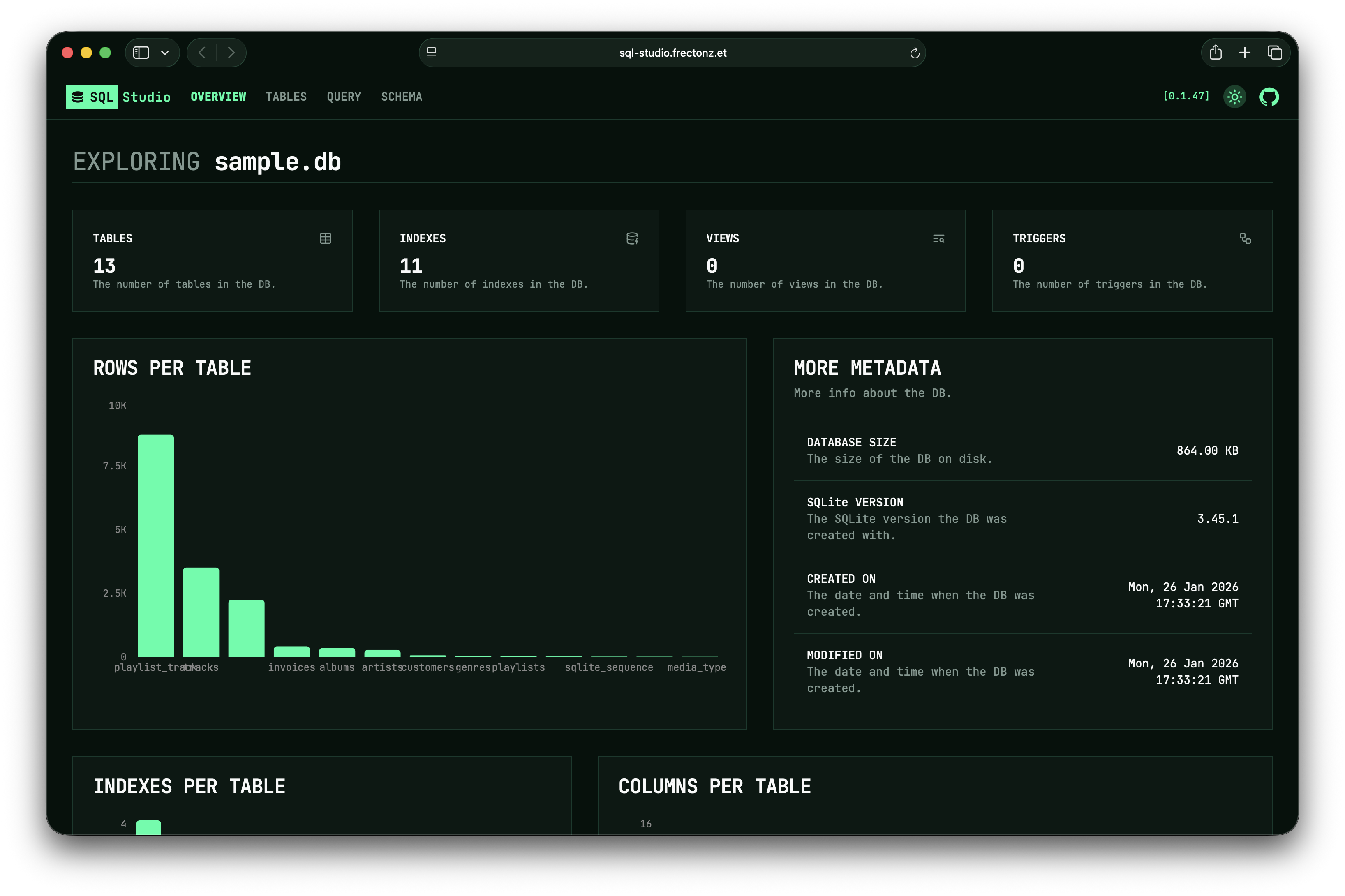
- Overview Dashboard — database metadata, row counts, column counts, and index statistics at a glance
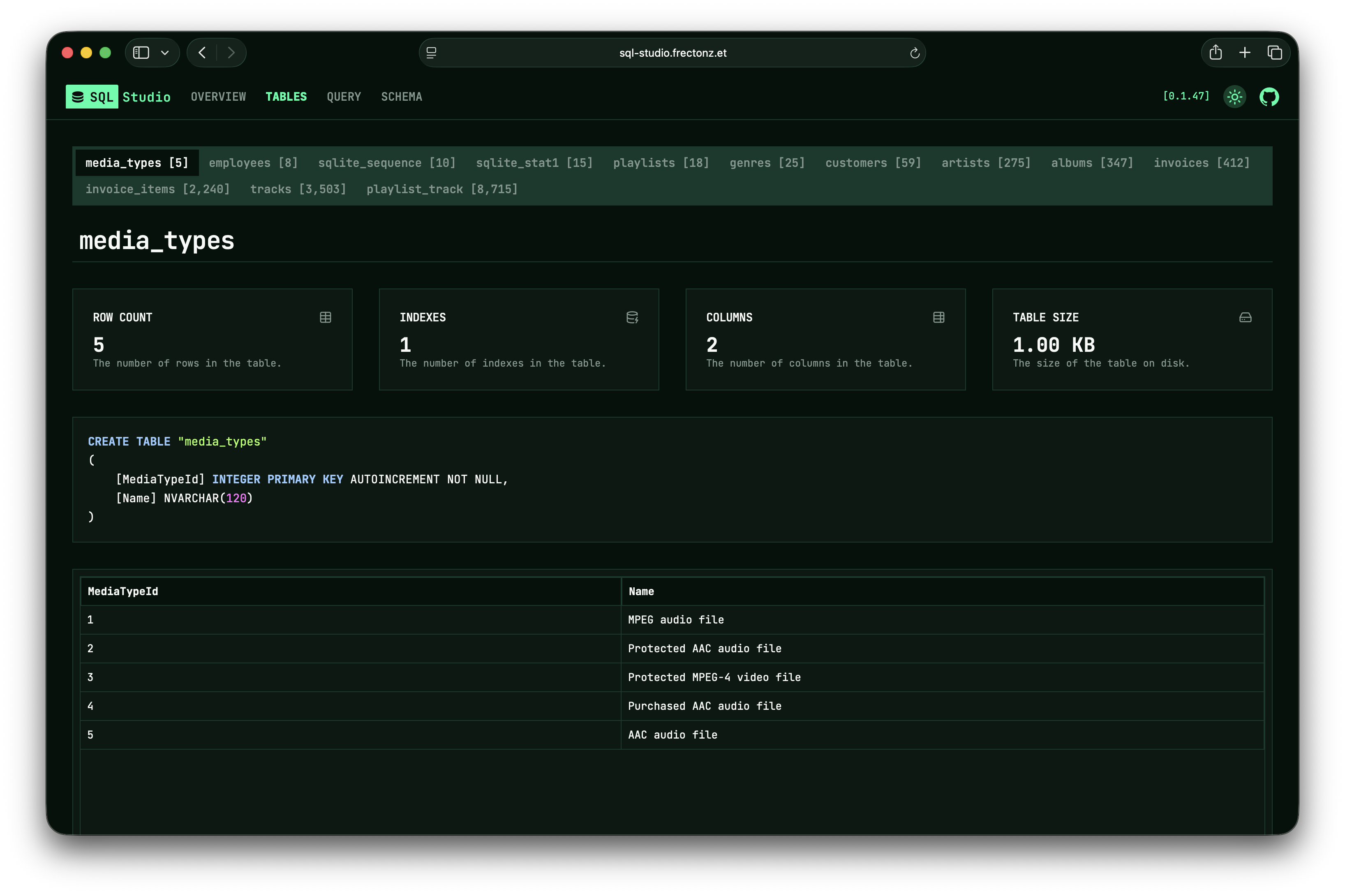
- Table Explorer — browse every table with metadata cards, creation SQL, and infinite-scroll data grids
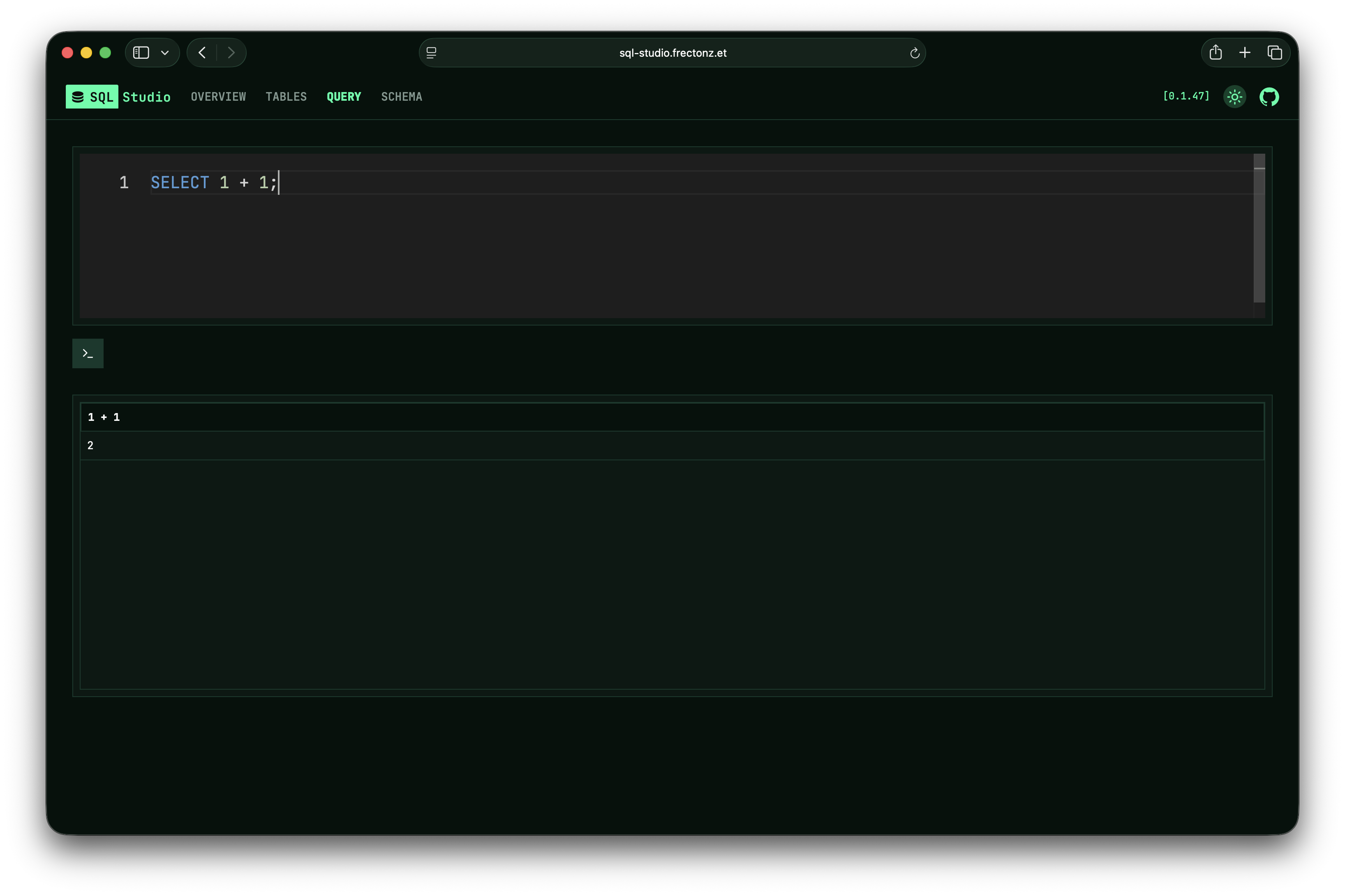
- Query Editor — Monaco-powered SQL editor with IntelliSense auto-complete, auto-execute toggle, and configurable query timeouts
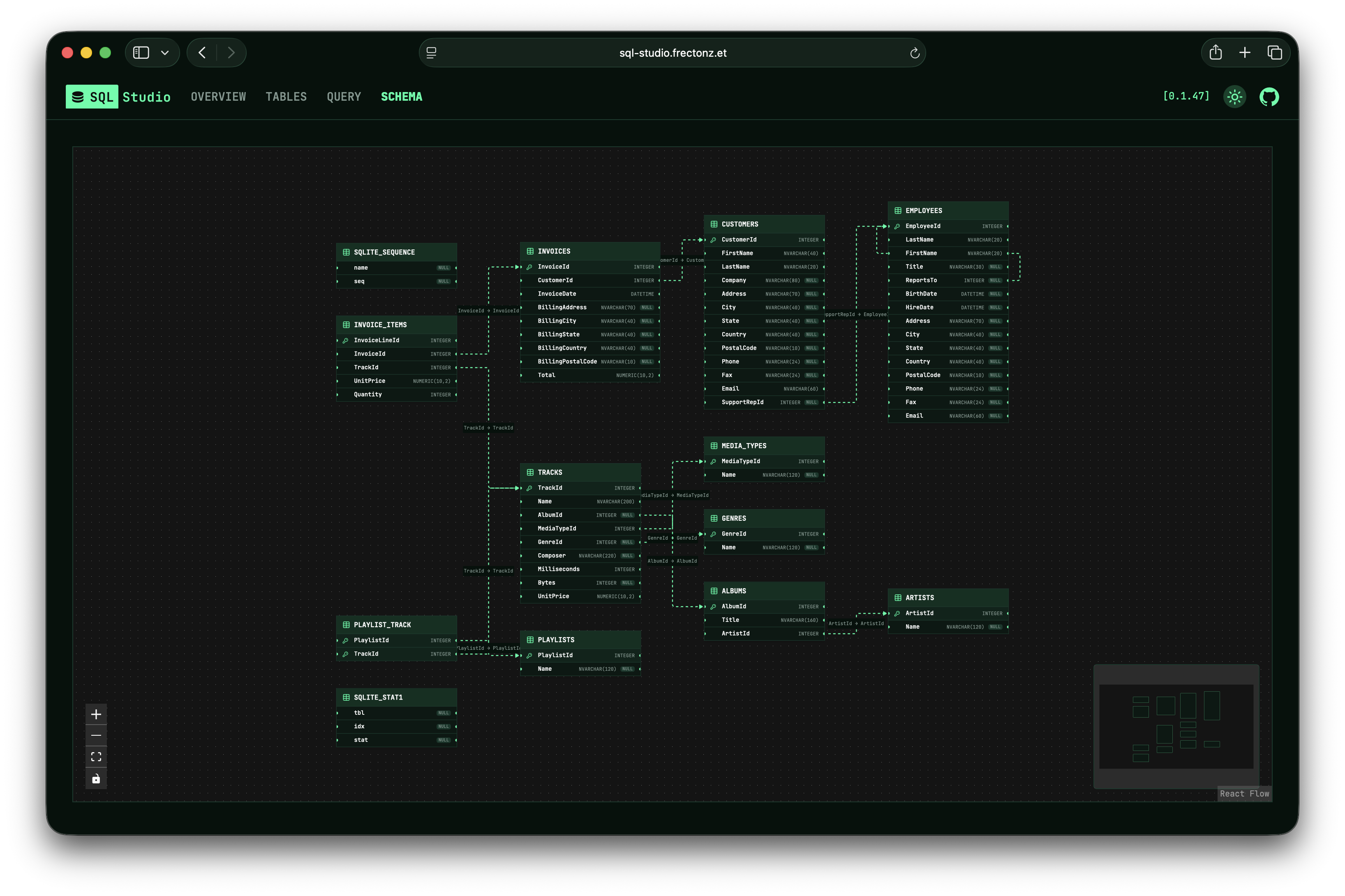
- ERD Viewer — interactive entity-relationship diagram showing tables, columns, and foreign key relationships
Screenshots
Overview Page
Tables Page
Query Page
Schema Page
Quick Example
# Try it instantly with a built-in sample database
sql-studio sqlite preview

# Or point it at your own database
sql-studio sqlite ./my-database.db
sql-studio postgres postgresql://user:pass@localhost/mydb
SQL Studio opens your default browser automatically and serves the UI on http://127.0.0.1:3030.
Next Steps
- Installation — install via shell script, Nix, Docker, or from source
- Quick Start — try SQL Studio in under a minute
- Databases — learn about each supported database
- Features — explore the UI in detail
SQL Studio — single binary, single command SQL database explorer.